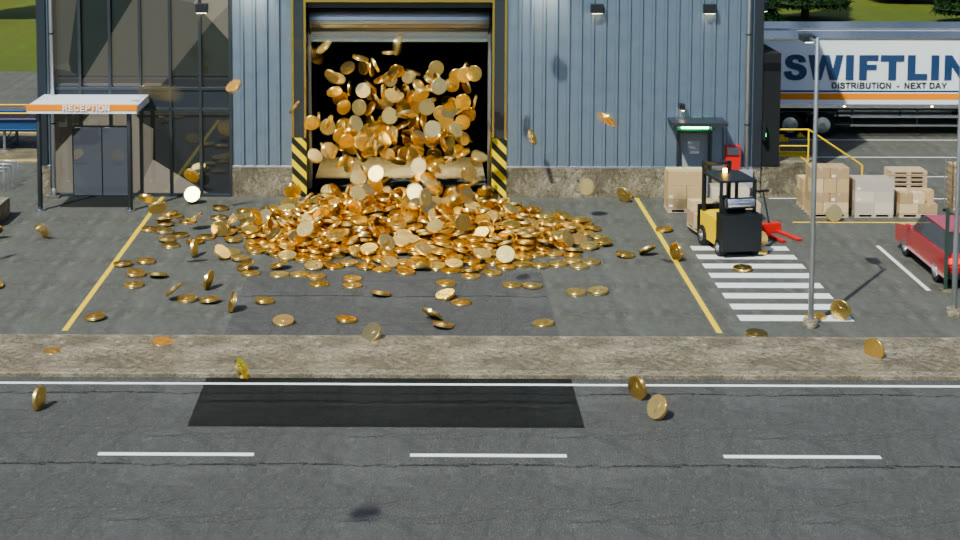
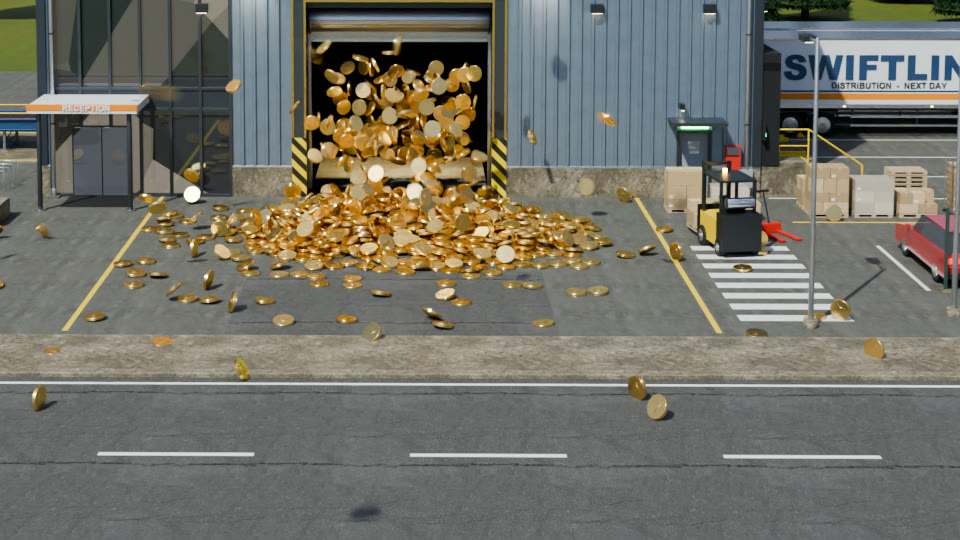
I wanted a short video of a supply chain: one conveyor belt through three companies, with money coming out at the end. Claude Code (Claude Opus 5.5) made it in Blender 5.2 from one prompt. Every object in the scene is generated by Python, no downloaded 3D models.
The prompt
Using any framework and approach you deem the best, generate a 3D render video of a conveyor belt going through three companies with a large 3D title:
- Supplier
- Assembly plant (building of the second company)
- Distributor
Each company building should be a fully detailed, high-quality 3D model that has the character of such a type of building, with the little details people like. Between all of the buildings, ideate what should be going on the conveyor belts. At the front of the distributor at the end, there should be golden coins just spawning out of it.
Make up the details. We are going for high visual fidelity, good lighting, and everything verified. Do direct implementation, but use subagents as you deem necessary.
Follow-ups only asked for a preview of the first 400 frames, a page on how it was made and a version under 20 MB. No corrections to the scene.
What it made up
| # | Company | Building | On the belt |
|---|---|---|---|
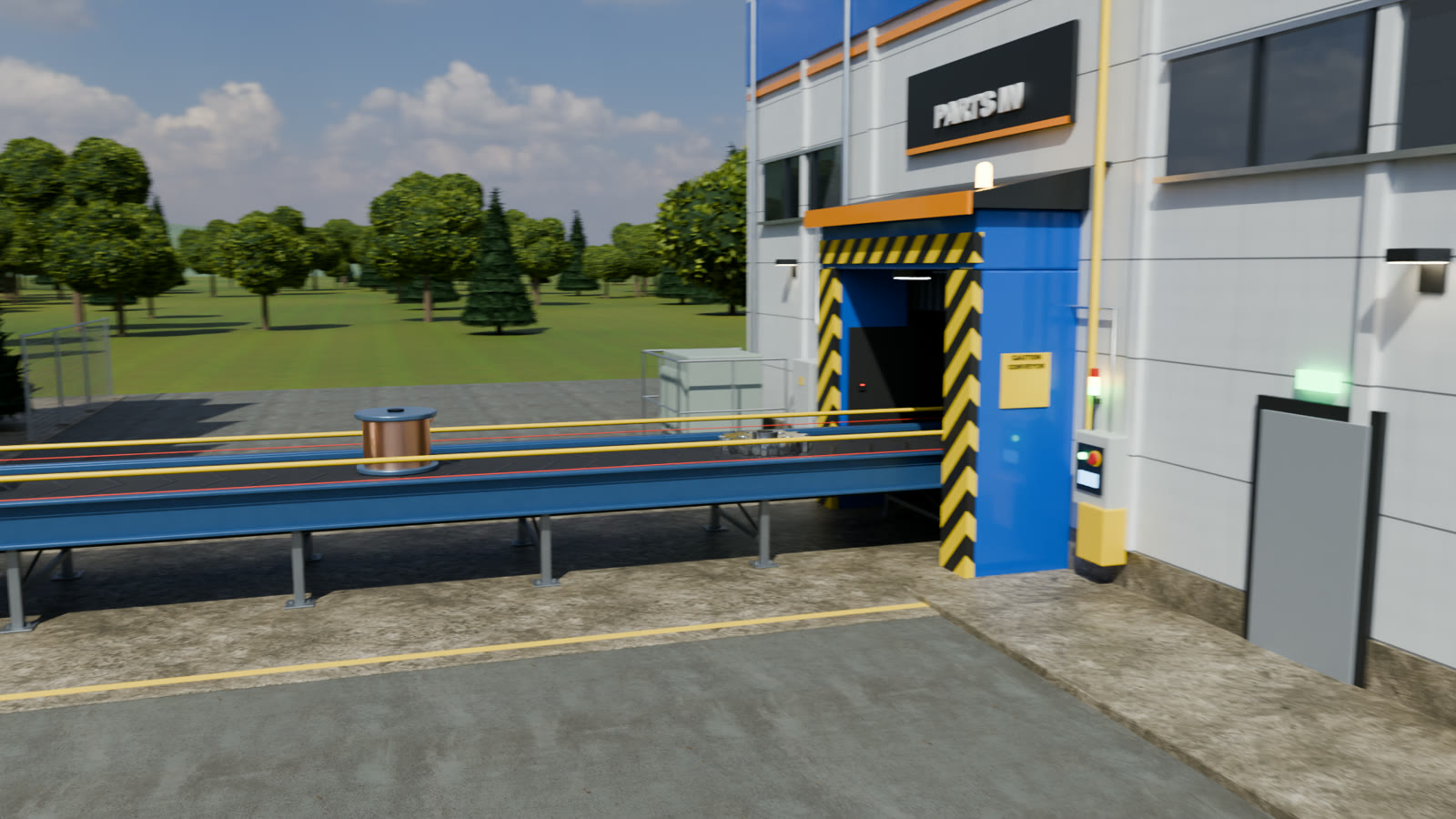
| 1 | Ironvale Metalworks | Foundry: sawtooth roof, 32 m smoking chimney, silos, gantry crane | Gears, cable spools, battery packs |
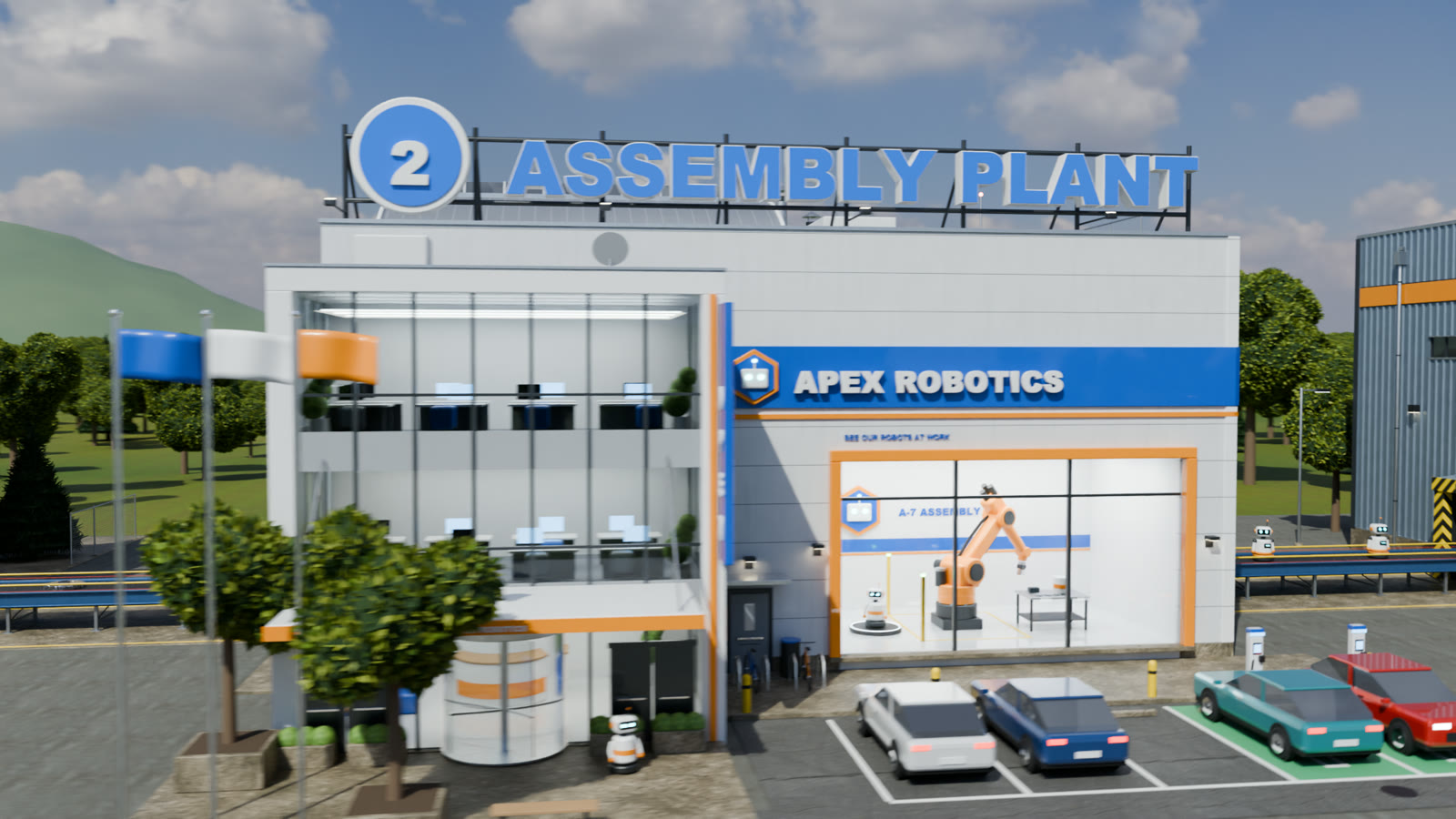
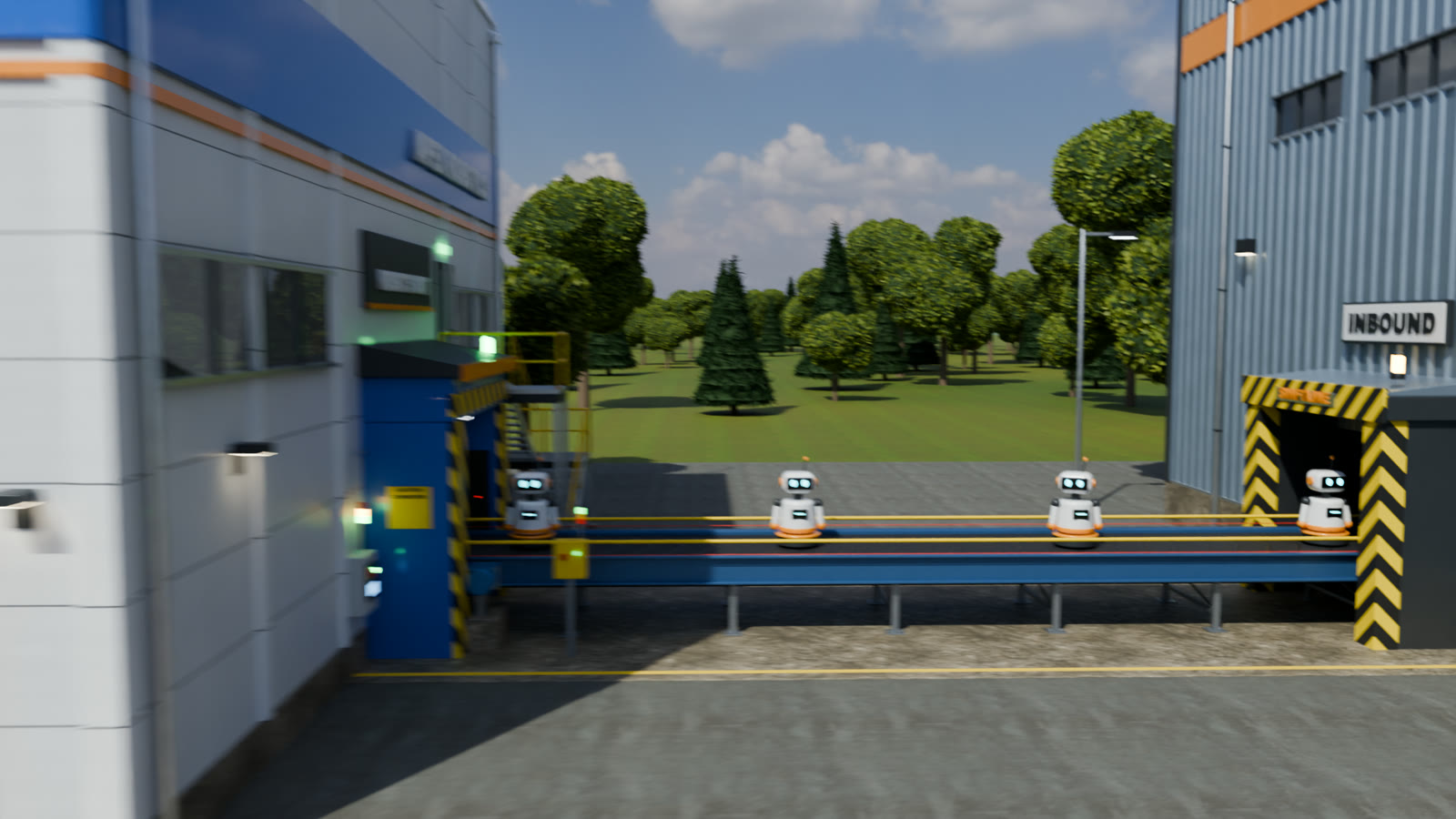
| 2 | Apex Robotics | Clean factory: glass office, showroom with a working robot arm, parking lot | Robots that turn their heads and blink |
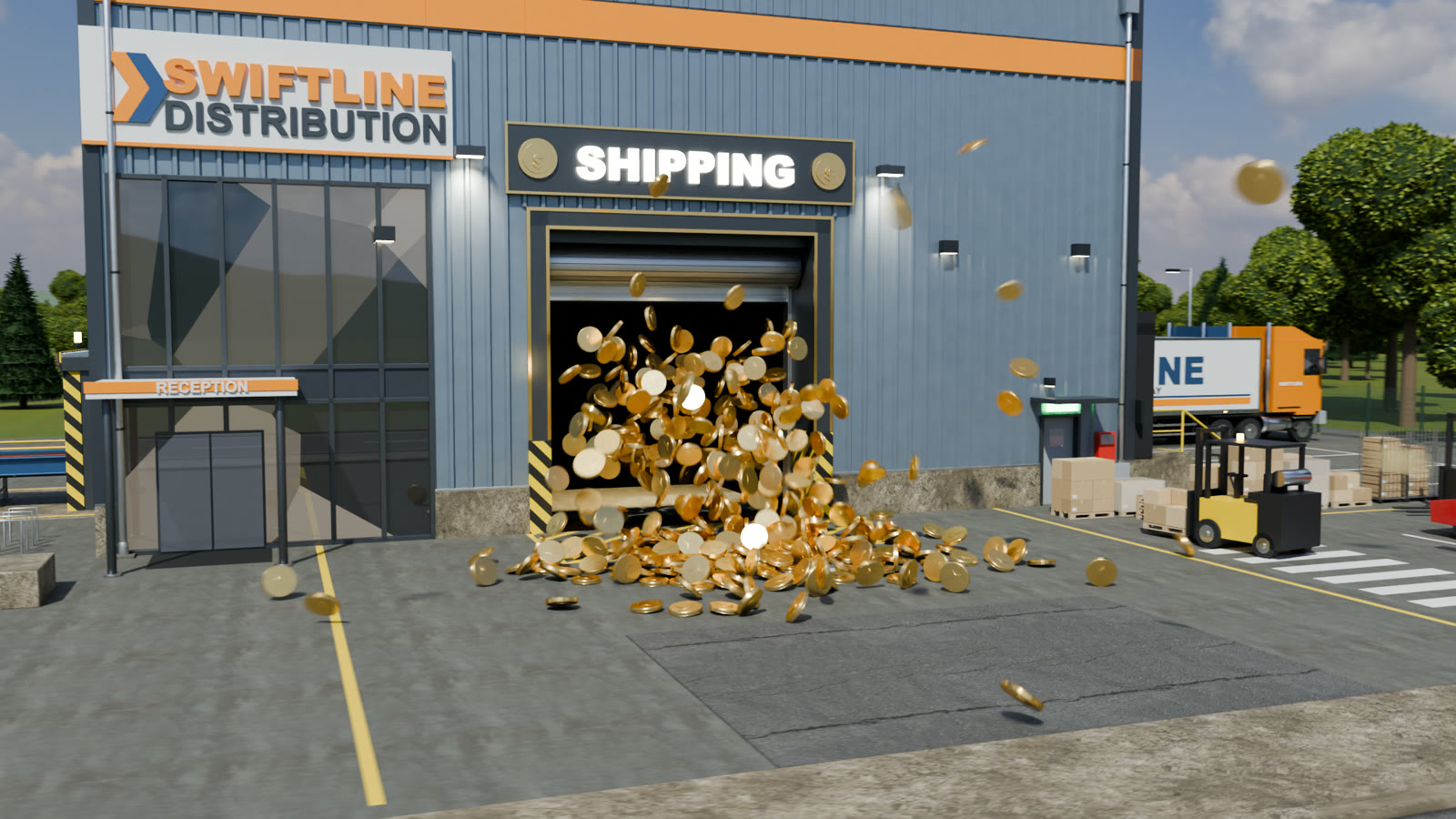
| 3 | Swiftline Distribution | Warehouse: loading docks, trucks, forklift, pallets | Robots go in, 1400 gold coins pour out the front door |
How it was made
The full breakdown with code map and commands is on a separate page. Short version:
- Downloaded: 1 sky HDRI and 8 CC0 texture sets from Poly Haven (asphalt, brick, concrete, corrugated iron…). Fonts are the Arial that ships with macOS. Everything else is built by 6 092 lines of Python in 10 files.
- Split of work: the main agent first wrote shared materials and a contract: each building is a module with
build(col) -> dict, placed at x = -40 / 0 / +40 with belt portals at fixed spots. Three subagents then wrote one building each in parallel (about 1200 lines each) and checked it alone from 8-10 viewpoints. The main agent wrote the rest: ground, 1167 procedural trees, belt, cargo, titles, camera and the coins. - Coins: a rigid-body simulation of 1400 coins. Blender’s bake-to-keyframes does not work without UI, so a small recorder steps the frames and writes the positions to F-curves.
- Verification: every change was checked on rendered stills, not by reading code. Selected frames at 960 × 540 were tiled into contact sheets and checked for camera collisions, things blocking the shot, lighting and physics glitches.
- Render: Cycles on the M5 Pro’s Metal GPU, 64 samples with OIDN denoising, about 30 s per frame, 5 hours for 600 frames at 1920 × 1080. The scene has 6305 objects and 163 materials.
Most of the problems were performance. Trees with leaves as instances made Cycles expand millions of objects (250-450 s per frame, once a deadlock at 0% CPU); merging the leaves into one mesh per tree fixed both. A reopened .blend renders on the CPU because the GPU is a user preference, which a timing check at final quality caught (150 s vs 32 s per frame).
The one fix it found itself
After encoding, the agent sampled frames from the finished video and found a dark rectangle in the road. The site driveways were 12 m long and stuck 3 m into the road, drawing a second asphalt surface. Driveways now end under the sidewalk, and only the 225 frames where the road is visible were re-rendered.